Setup
Create anosano.js file in your docs repository with the following content:
OSANO_SCRIPT_URL with your Osano script URL. Your script URL is the src value in the code snippet that Osano generates. Your script URL always starts with https://cmp.osano.com/ and ends with /osano.js.
Troubleshooting
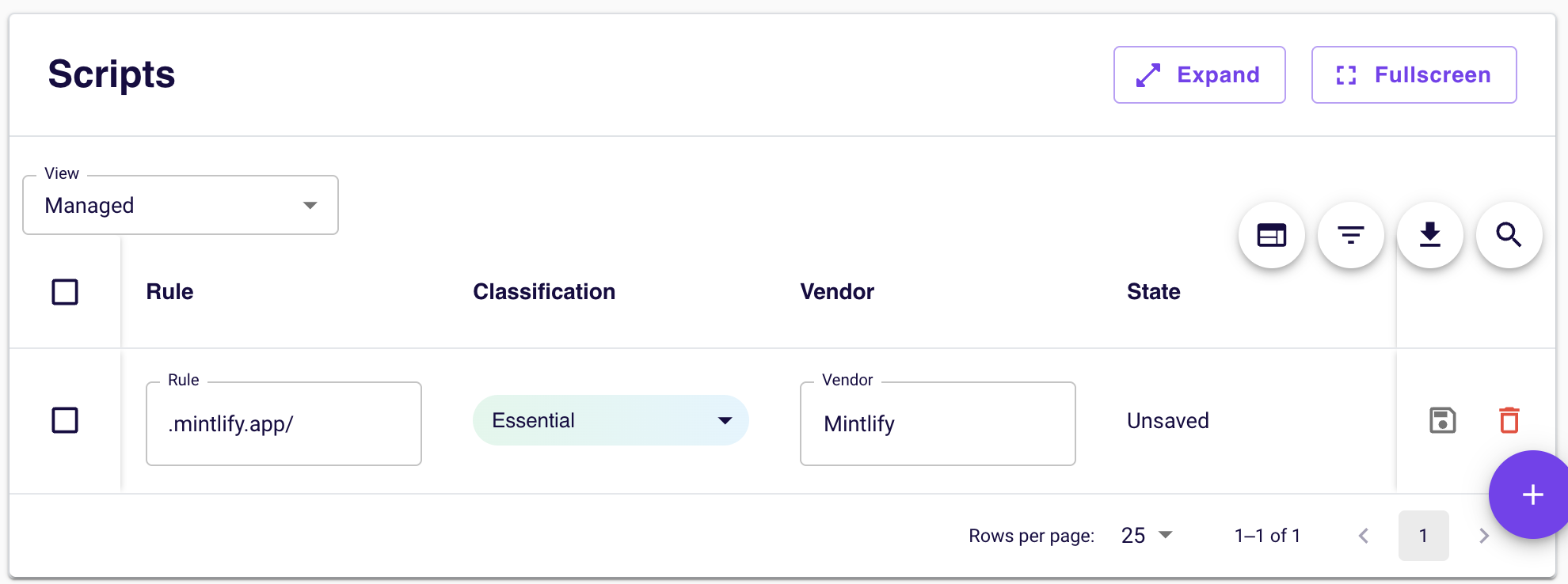
Pages not loading with Strict compliance mode
Pages not loading with Strict compliance mode
If your documentation pages aren’t loading properly when using Osano’s Strict compliance mode, you’ll need to whitelist Mintlify’s domain to allow images and other assets to load.